Affordable WordPress Maintenance Plans for Small Businesses

Best WordPress Maintenance Plans for Small Businesses and eCommerce Websites: Comprehensive Support and Security Solutions

By Phil Reinhardt, MilwaukeeDigitalMarketing.com

A reliable online presence matters for small businesses and eCommerce sites. WordPress maintenance plans provide updates, security, backups, and optimization to keep sites secure, performant, and available to customers.

What Essential Services Are Included in WordPress Maintenance Plans?

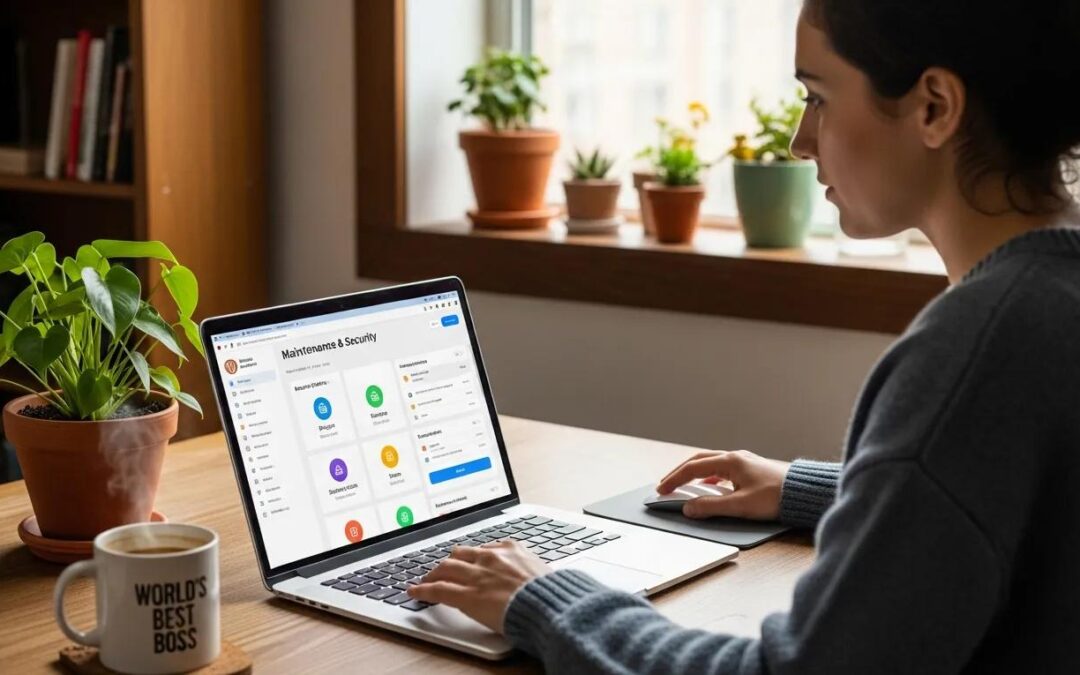
Typical plans combine routine updates, security monitoring, backups, and performance work to maintain functionality and reduce risk.

  1. Regular Updates: Apply core, theme, and plugin updates to close vulnerabilities and preserve compatibility.
  2. Security Monitoring: Scan for malware, run firewalls, and monitor activity to detect threats early.
  3. Backups: Maintain scheduled backups (full, incremental, or real-time) so you can restore quickly after data loss.
  4. Performance Optimization: Improve load times and caching to enhance user experience and SEO.

Milwaukee Digital Marketing includes these core services in its WordPress maintenance plans so businesses can focus on growth while sites are managed professionally.

How Do Security Updates Protect Small Business and eCommerce Websites?

Security updates patch vulnerabilities in WordPress core, themes, and plugins to reduce unauthorized access. Combining updates with strong passwords and two-factor authentication further protects customer data and trust.

What Backup Solutions Ensure Reliable Disaster Recovery?
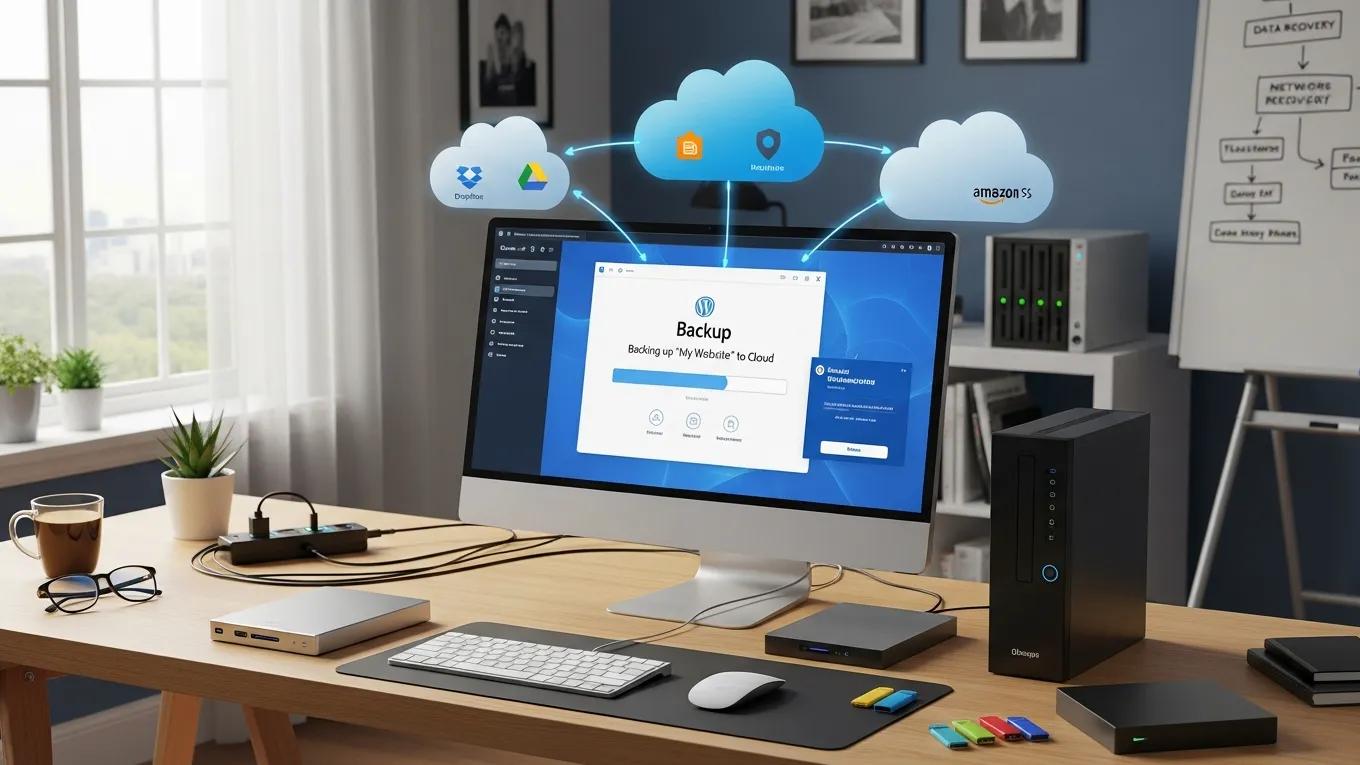
Backups support fast recovery after failures. Common options are:

  1. Full Backups: Complete site copies for full restores.
  2. Incremental Backups: Save only changes since the last backup to save storage and speed up processes.
  3. Real-Time Backups: Continuously capture changes for minimal data loss.

Schedule automated backups and test restores regularly to minimize downtime and revenue impact after incidents.

How Do Managed WordPress Support Plans Optimize Website Performance?

Managed plans combine scheduled updates, monitoring, and expert support to keep sites stable and fast.

  1. Regular Updates: Updates often include performance fixes that reduce load times.
  2. Performance Monitoring: Ongoing checks identify bottlenecks so issues can be resolved before they affect users.
  3. Technical Support: Expert troubleshooting shortens outages and maintains a smooth user experience.

Investing in managed support helps retain customers and supports search visibility by keeping sites performant and reliable.

What Are the Benefits of Regular Plugin and Theme Updates?

Keeping plugins and themes updated delivers security patches, new features, and compatibility with WordPress core.

  1. Enhanced Security: Patches reduce exposure to exploits.
  2. Improved Functionality: Updates can add features or UX improvements that help conversions.
  3. Compatibility: Regular updates prevent conflicts when WordPress core changes.

Prioritize updates and test critical changes in a staging environment when possible.

How Does Performance Optimization Improve User Experience and SEO?

Faster pages lower bounce rates, increase engagement, and can improve search rankings because site speed is a ranking signal.

  1. Site Speed: Faster pages boost conversions and user satisfaction.
  2. Technical SEO Improvements: Optimizations like caching, image compression, and resource minification support better rankings.
  3. User Engagement: A responsive site encourages longer sessions and more interactions.

Regular audits and targeted fixes deliver measurable improvements to user experience and visibility.

What Pricing Structures Are Common for WordPress Maintenance Services?

Maintenance pricing typically follows one of several models depending on scope and responsiveness required.

  1. Monthly Subscriptions: Fixed monthly fees cover a defined set of services for predictable budgeting.
  2. Tiered Plans: Basic to premium tiers let businesses choose coverage and response levels that fit their needs.
  3. Pay-As-You-Go: On-demand services are useful for irregular needs or occasional projects.

Milwaukee Digital Marketing offers flexible pricing options so small businesses can select a plan that matches budget and operational needs.

How Do Tiered Plans Cater to Different Business Needs?

Tiered plans provide flexibility as businesses grow by offering progressively more advanced security, performance, and support features.

  1. Basic Plans: Cover essentials like updates and backups for small budgets.
  2. Premium Plans: Add priority support, advanced security, and optimization for higher-traffic sites.
  3. Scalability: Upgrade paths let businesses expand coverage without changing providers.

Choose a tier that matches current needs and allows cost-effective upgrades as traffic and complexity increase.

What Should Small Businesses Consider When Comparing Maintenance Costs?

Compare plans across scope, fees, and customization to ensure strong ROI.

  1. Service Inclusions: Confirm which updates, backups, monitoring, and support hours are included.
  2. Hidden Fees: Ask about extra costs for restores, migrations, or emergency fixes.
  3. Customization Options: Ensure the provider can tailor services to your platform, plugins, and business priorities.

Evaluate providers by the total value and the impact of downtime or breaches on your business.

Why Choose Local WordPress Maintenance Providers in Southeastern Wisconsin?

Local providers often deliver more personalized service and have better knowledge of regional needs.

  1. Personalized Support: Local teams can build relationships and respond with tailored service.
  2. Local Expertise: Familiarity with regional markets helps align site performance and marketing priorities.
  3. Community Engagement: Local partners may offer better collaboration and networking opportunities.

Partnering with a local provider like Milwaukee Digital Marketing can simplify communication and strategy alignment.

How Does Local Expertise Enhance Tailored Maintenance Strategies?

Local knowledge informs priorities such as compliance, customer behavior, and integrations with nearby services, making maintenance more relevant and effective.

  1. Market Dynamics: Align site features and content with local consumer preferences.
  2. Regulatory Knowledge: Stay aware of regional requirements that may affect data handling.
  3. Networking Opportunities: Local providers can connect you to complementary partners and resources.

What Are the Advantages of Client-Centric Support and Proven Results?

Providers focused on client outcomes tend to deliver higher satisfaction and measurable improvements over time.

  1. Improved Customer Satisfaction: Personalized attention results in better service fit.
  2. Trust and Reliability: Demonstrated results build confidence in ongoing support.
  3. Long-Term Relationships: Ongoing partnerships yield deeper understanding and more effective solutions.

Choose providers that prioritize your goals and show evidence of past results.

Frequently Asked Questions

What factors should I consider when selecting a WordPress maintenance plan?

Compare included services (updates, backups, security), provider reputation, support response times, pricing model, and customization options to match your needs.

How often should I update my WordPress site?

Check for updates weekly and apply them promptly; critical security patches should be applied as soon as possible, ideally in a tested staging environment first.

What are the risks of not having a WordPress maintenance plan?

Without maintenance you risk security breaches, data loss, and performance problems that can harm user experience, SEO, and revenue.

Can I manage WordPress maintenance myself?

Yes, if you have the technical skills and time, but many small businesses outsource maintenance to save time and reduce operational risk.

What should I do if my website goes down?

Check hosting status, contact hosting support, and if you have a maintenance provider contact them immediately so they can diagnose and restore from backups if needed; keep customers informed via social channels or email.

How can I ensure my website is secure?

Follow best practices: keep core/themes/plugins updated, use strong passwords and two-factor authentication, maintain regular backups, install security plugins, and run periodic audits and monitoring.

Conclusion

WordPress maintenance plans reduce risk, improve performance, and help protect digital assets for small businesses and eCommerce sites. Select a plan that includes regular updates, reliable backups, security monitoring, and responsive support. Evaluate pricing and inclusions to find the best fit for your organisation and scale coverage as your needs grow.